In the Email Loop site, view the Fleet Driver Confirmation Lightning Web Component (LWC), where a Trip Plan can be Accepted or Declined. Once the internal user clicks the Confirm Driver button in a Trip Plan, an email is sent to the Driver to confirm their status regarding the acceptance of the Trip Segment.
Fleet Driver Confirmation Email
The Driver is first sent an email. When a Driver Confirmation Status email is sent, the Driver accesses the Fleet Driver Confirmation LWC as a Fleet Guest user after clicking the Trip Details link in the email.
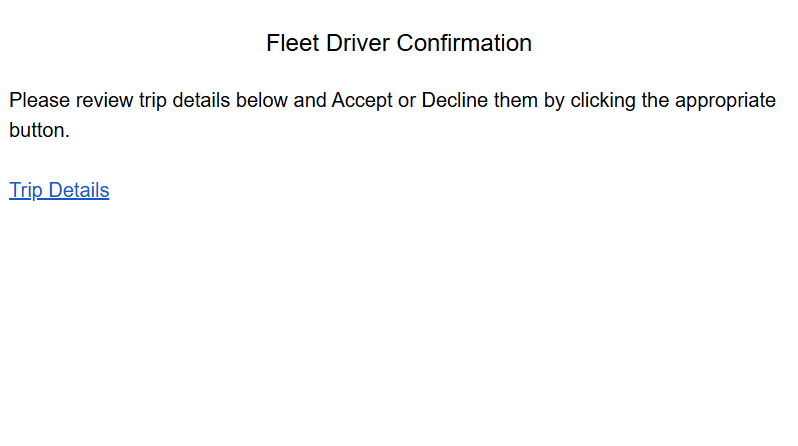
Fleet Driver Confirmation LWC
Once the Fleet Driver Confirmation LWC renders, the specific Trip Plan and Segment related to the requested Driver confirmation is visible at the top of the LWC. Additionally, the following fields are populated from the Trip Plan:
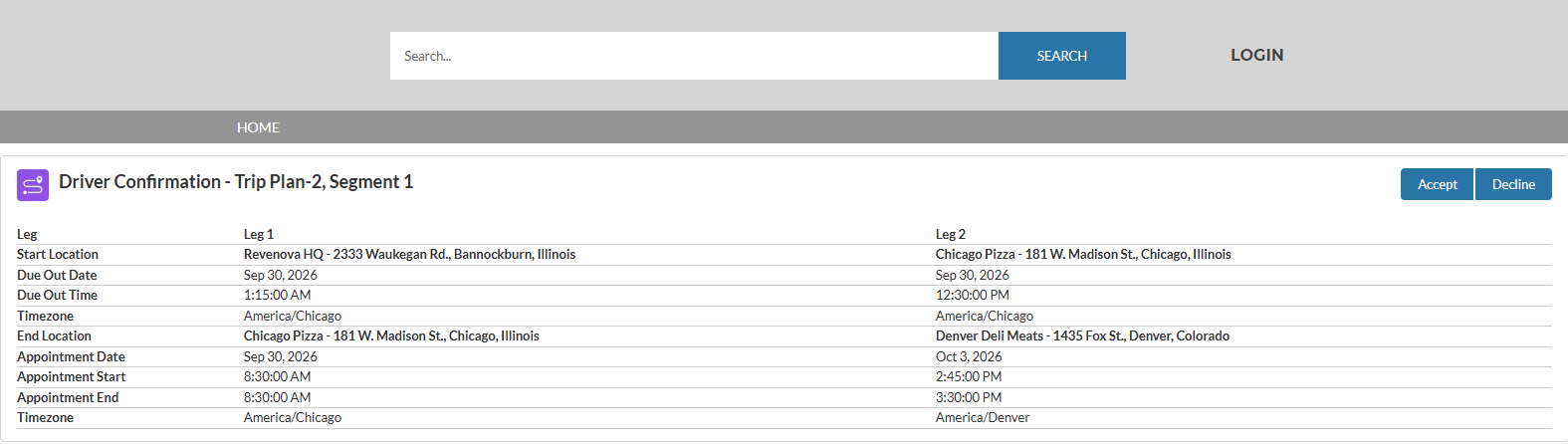
Field Name | Default Value |
|---|---|
Leg | Number of the Trip Plan Leg (for example, 1, 2, 3). |
Start Location | First location entered in the lookup field in the Trip Plan. |
Due Out Date | Date entered in the date field in the Trip Plan. |
Due Out Time | First time entered in the time field in the Trip Plan. |
Timezone | Time zone associated with the Start Location. |
End Location | Final location entered in the lookup field in the Trip Plan.
|
Appointment Date | The date of the appointment entered in the date field in the Trip Plan.
|
Appointment Start | The start time of the appointment entered in the time field in the Trip Plan.
|
Appointment End | The end time of the appointment entered in the time field in the Trip Plan.
|
Timezone | Time zone associated with the End Location. |
Accept Trip Plan
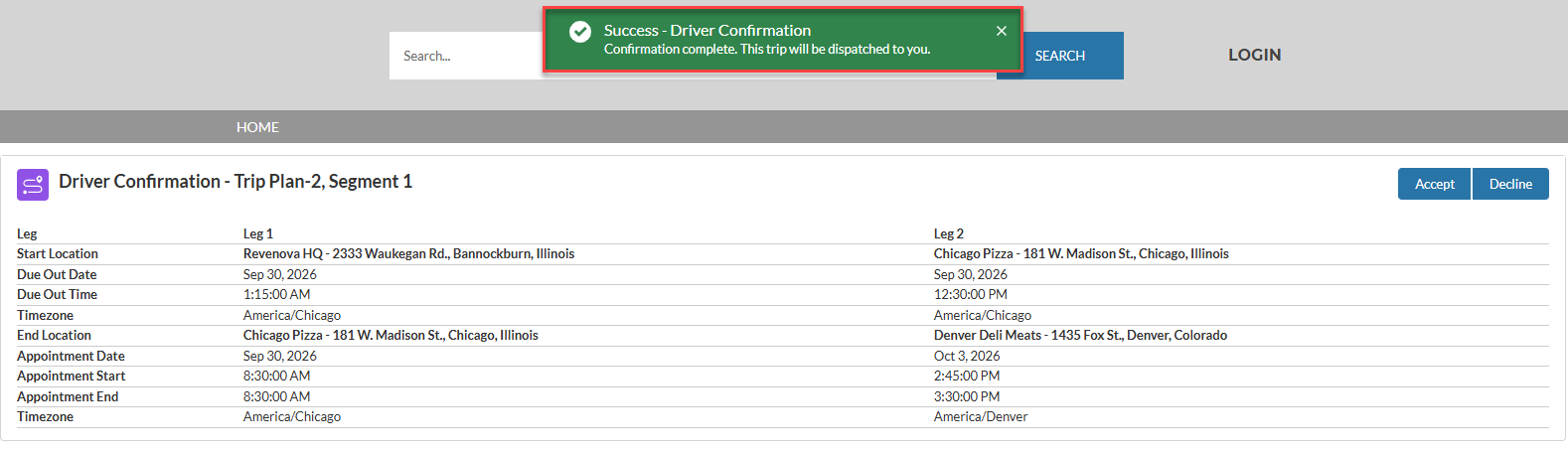
Click the Accept button in the Fleet Driver Confirmation LWC to accept a Trip Plan. After confirmed, a success Toast Message appears:
Decline Trip Plan
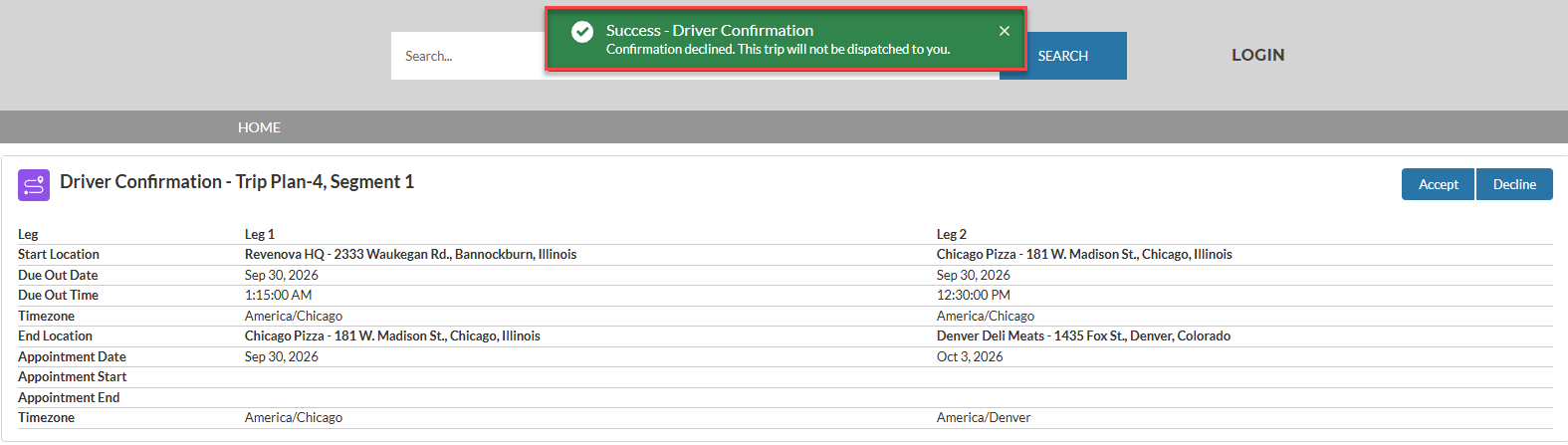
Click the Decline button in the Fleet Driver Confirmation LWC to decline a Trip Plan. After confirmed, a modal appears to provide Decline details.
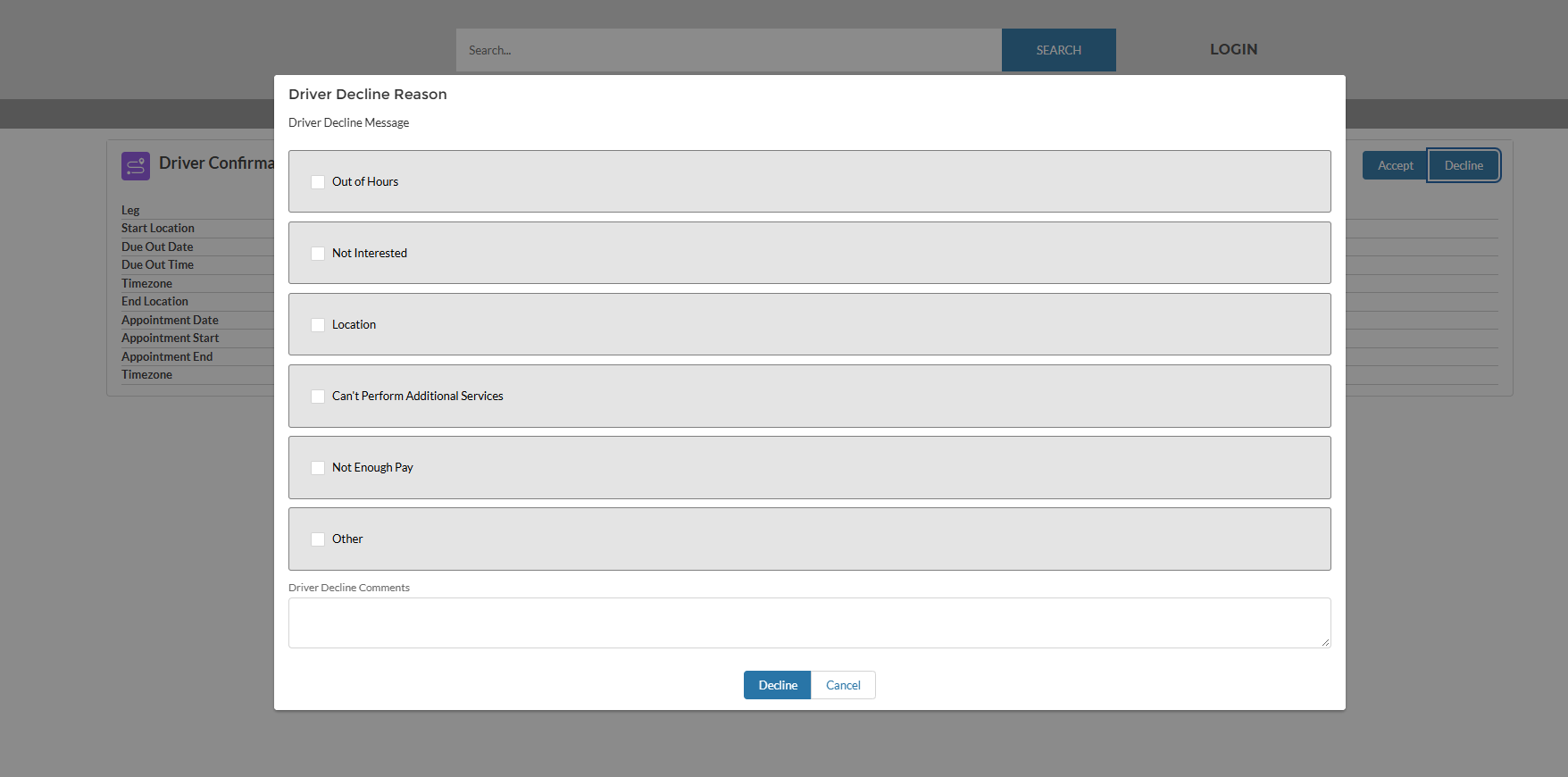
Unless the Driver Decline Reason and Driver Decline Comments fields are required, check the applicable reasons for why the Trip Plan was declined and provide additional comments as necessary.
Warning: If multiple drivers are assigned to a Trip Plan, both Drivers must Accept the Trip Plan to confirm Driver Confirmation Status. If one Driver declines the Trip Plan and the other Driver(s) accepts the Trip Plan, the Driver Confirmation Status appears as Declined.
After confirmed, a success Toast Message appears: