Overview
Vendor/Carrier Invoices
Vendor/Carrier Invoices are typically received individually as documents, or in a bulk file, from the Carrier or the A/P department. To manually enter a Vendor Invoice, click the New button on the Vendor Invoice tab.
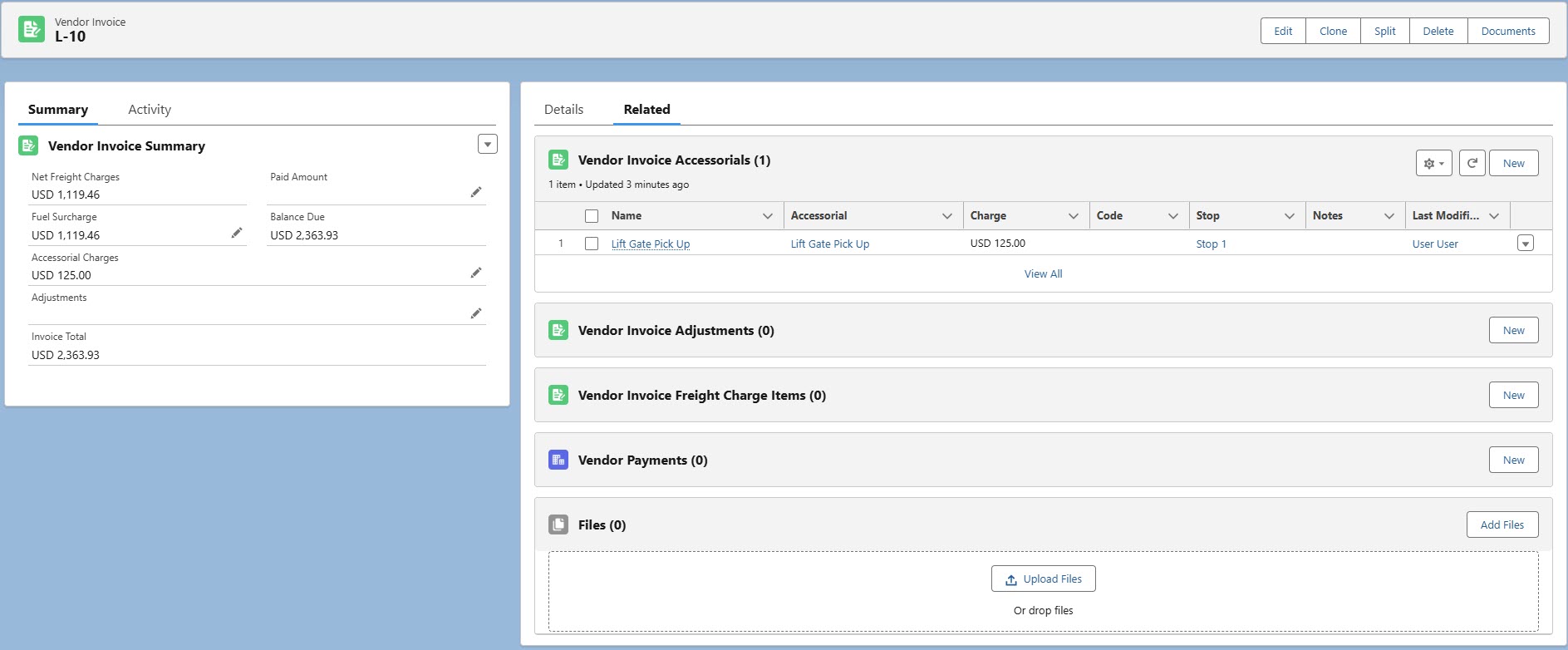
The Related tab contains related lists for the following records associated with the Vendor Invoice.
Vendor Invoice Accessorials
Vendor Invoice Adjustments
Vendor Invoice Freight Charge Items
Vendor Payments
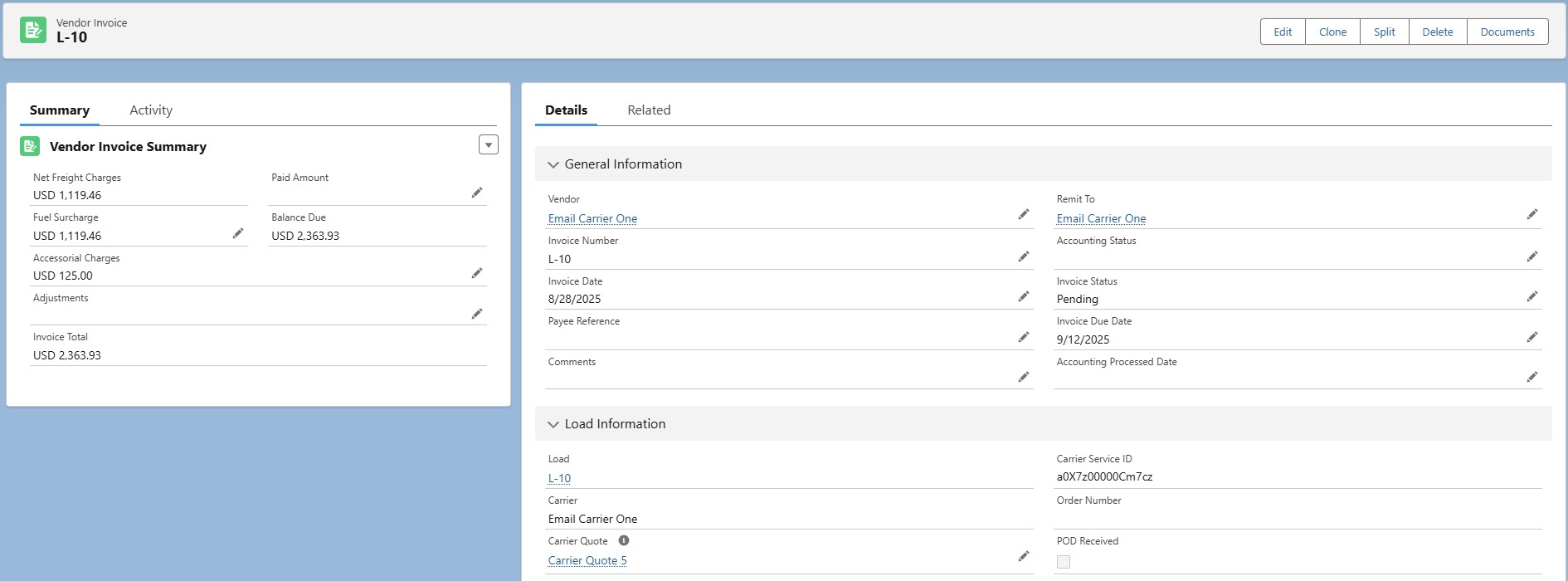
The Vendor field on the Vendor Invoice is set by the Vendor field on the corresponding Carrier Quote. If the Vendor field on the Carrier Quote does not have a value, the TMS populates the Vendor field on the Vendor Invoice with the Carrier field from the corresponding Carrier Service.
The Vendor field may also be populated by third-party quotes returned from the Banyan or Project44 integrations.
The Invoice Status field is automatically set to Paid or Short Paid based on the Outstanding Balance Due and Paid Amount.
It is also possible to add Accessorial charges to both types of invoices from their respective detail pages.
The following actions are available on the Vendor Invoice record header.
The Document Generation LWC opens by clicking the Documents button in the record header. Create additional documents as necessary.
Click the Split button to split a Vendor invoice for partial payment or dispute resolution purposes.