Overview
Customer Banner

The Customer Banner Lightning Web Component (LWC) is located on the Summary tab of the Load page and contains Customer information.
The fields displayed on the Customer Banner LWC can also be customized with field sets. From the Object Manager, add and/or remove fields from the Load TMS17 and Customer Quote TMS3 field sets. Custom field sets may be created that are mode-specific and will override the default fields in the field set (e.g., TMS17 LTL).
Load Tracking

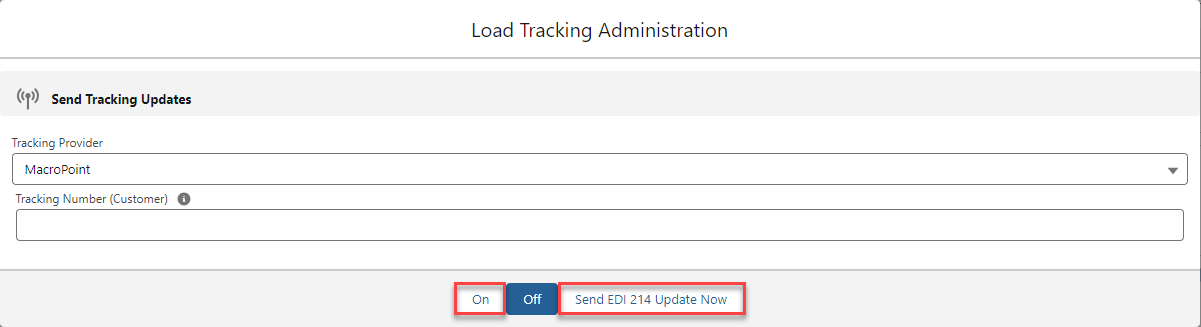
When the customer quote is accepted, a pill indicates the status on the banner. Another pill will display when tracking updates are sent via EDI. Load tracking updates are sent to the customer via EDI 214 or API via MacroPoint. The load tracking antenna icon opens the Load Tracking Administration modal. Enable tracking with the On button. Manually send EDI 214 updates with the Send EDI 214 Update Now button.