Overview
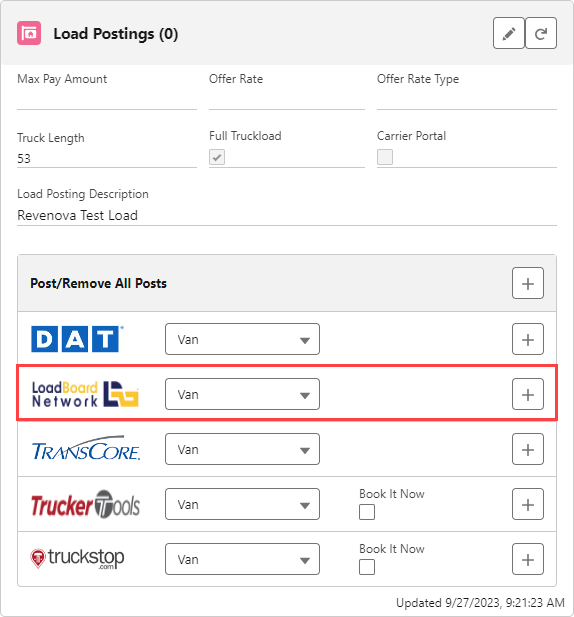
The integration with the LoadBoard Network API allows users to:
Add, Update, or Delete Load Postings.
Setup
Enter Credentials
Enable the LoadBoard Network integration by:
Navigating to TMS Admin,
Select Credentials.
Select the Global Services tab,
Find LoadBoard Network.
Check the Enabled and Load Posting boxes.
Enter the User ID and Password 1 into the text fields.
Set the Service URL to: https://post.loadboardnetwork.com/api/xml/post-loads.
Set the Test Service URL to: https://post.loadboardnetwork.com/api/xml/post-loads.
Click the Save button when finished.
User ID | Password 1 | Password 2 | Customer Number |
|---|---|---|---|
ServiceKey | CustomerKey |
The Service Key is the same for all Revenova customers.
Remote Site Settings
Upgrading from previous versions of the TMS may have outdated information. Check that the Remote Site Settings for the LoadBoard Network integration URL are up to date.